Teacher Docs Subscribe
◆ Swift Playgrounds Curriculum

Geometry,
through code.

A six-chapter curriculum that teaches geometry concepts using Swift — from drawing simple shapes to building a complete suburban scene — with Maths connections throughout.

Requires Swift Playgrounds 4 on iPad or Mac
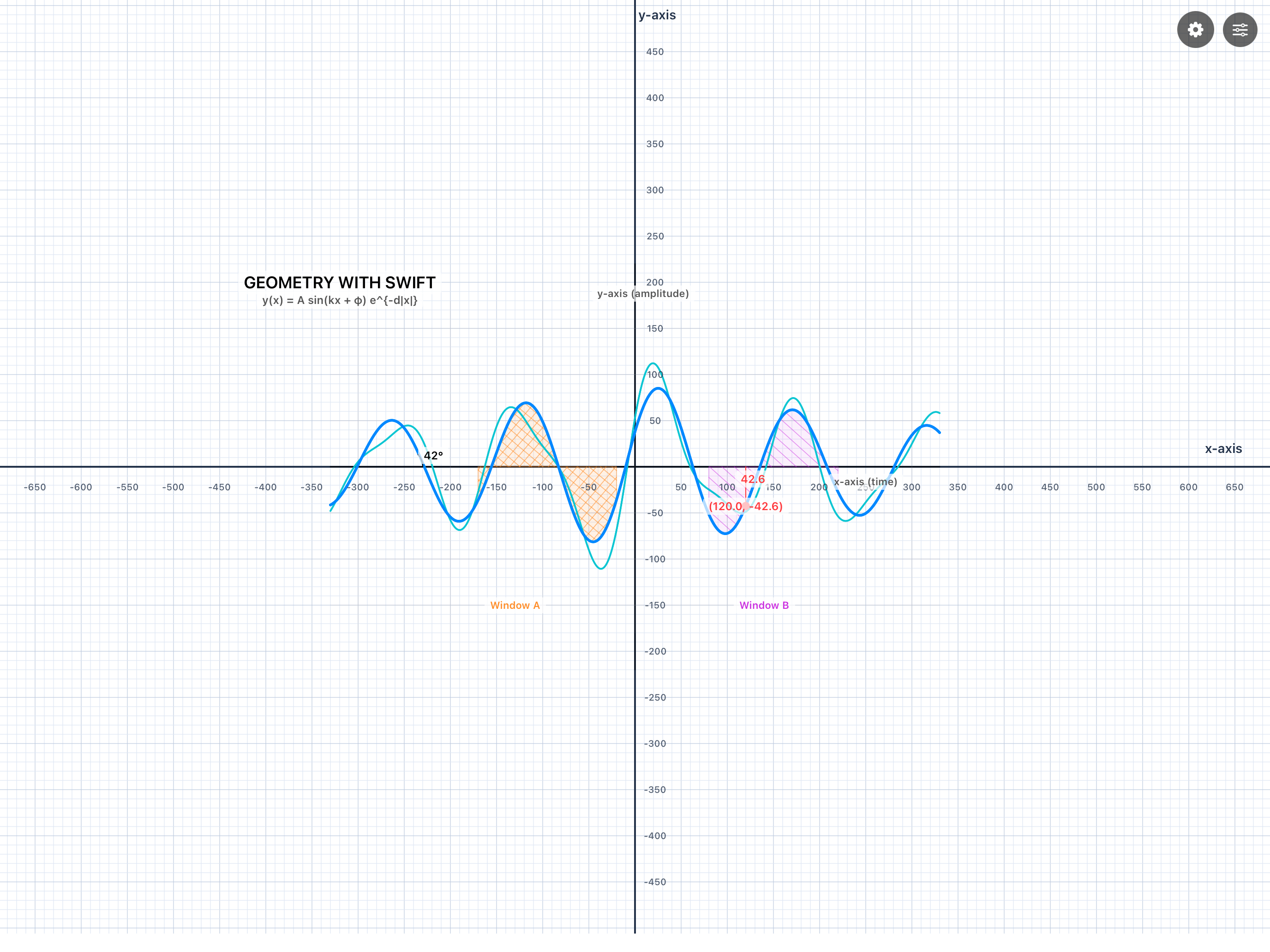
Geometry Playground running in Swift Playgrounds on iPad

Getting started

How to Get Started

Getting the playground onto your device takes under a minute.
Here's how it works.

1

Install Swift Playgrounds

Download Swift Playgrounds 4 for free from the App Store on iPad or Mac. It's the app you'll use to open and run all the code in this curriculum.

2

Tap Subscribe

Press the Subscribe in Swift Playgrounds button on this page. It opens a deep link (developer.apple.com/ul/sp0) that registers this feed directly in the app.

3

Open your library

The Geometry Playground appears in your Subscriptions section inside Swift Playgrounds. Tap it once to download the full playground file.

4

Stay up to date

Swift Playgrounds checks the feed periodically. When a new version is published a badge appears — tap once to update. No re-subscribing needed.

Subscribe in Swift Playgrounds

The curriculum

Six chapters. One complete picture.

Each chapter builds on the last — introducing a new programming concept alongside the geometry it makes possible.

Coordinate Geometry with Sequences — Chapter I of Geometry Playground
Chapter I of VI

Coordinate Geometry with Sequences

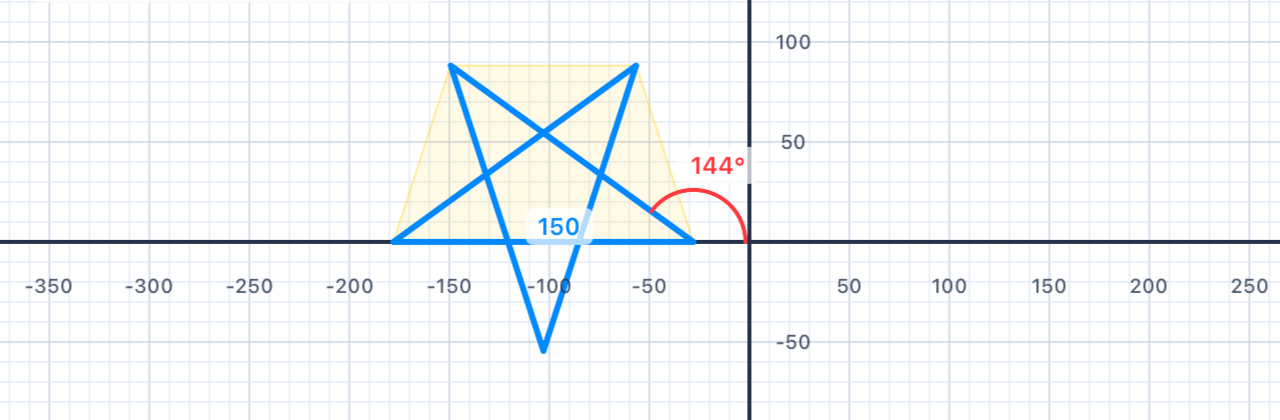
Meet the Pen API. Draw squares, rectangles, triangles, and stars one command at a time — laying down sequences of lines and turns to build geometric intuition.

10 sections2 tutorials8 exercises
Shape Properties with Variables — Chapter II
Chapter II of VI

Shape Properties with Variables

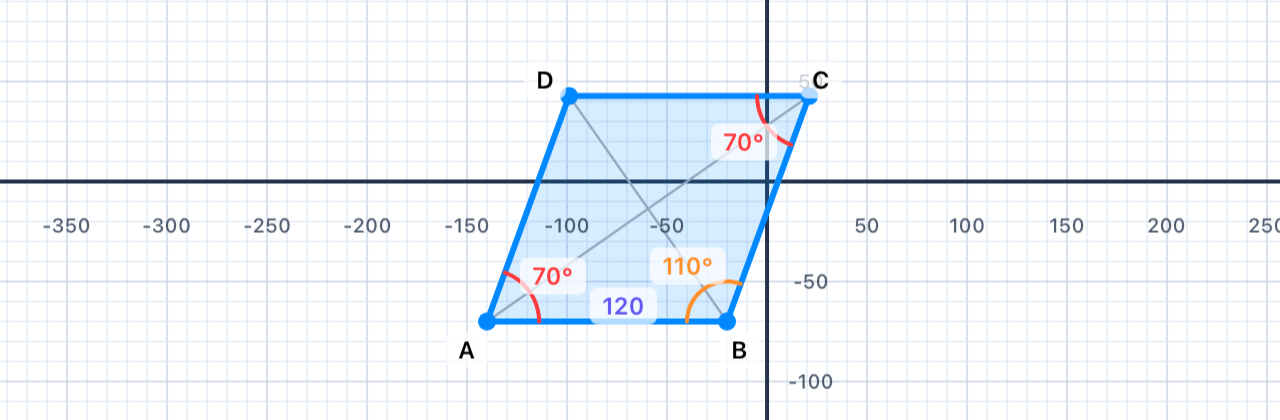
Store side lengths, colours, and coordinates in var and let, then reuse them to build diamonds, crosses, snowflakes, and rhombuses while exploring symmetry and shape properties.

21 sections3 tutorials18 exercises
Polygon Patterns with Loops — Chapter III
Chapter III of VI

Polygon Patterns with Loops

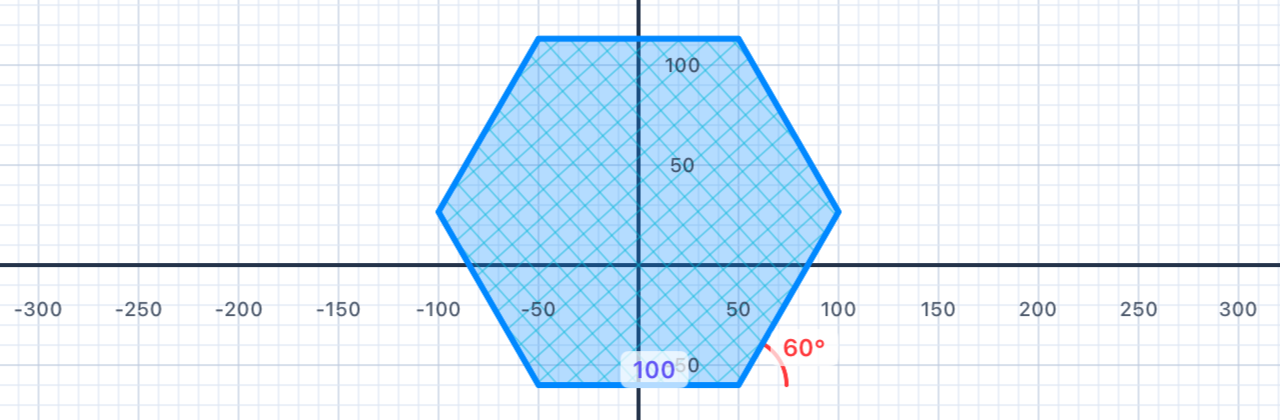
Harness the for loop to draw regular polygons, spirals, and stars. Derive the interior-angle formula from nothing but a few lines of Swift.

9 sections1 tutorial8 exercises
Sorting Shapes with Conditionals — Chapter IV
Chapter IV of VI

Sorting Shapes with Conditionals

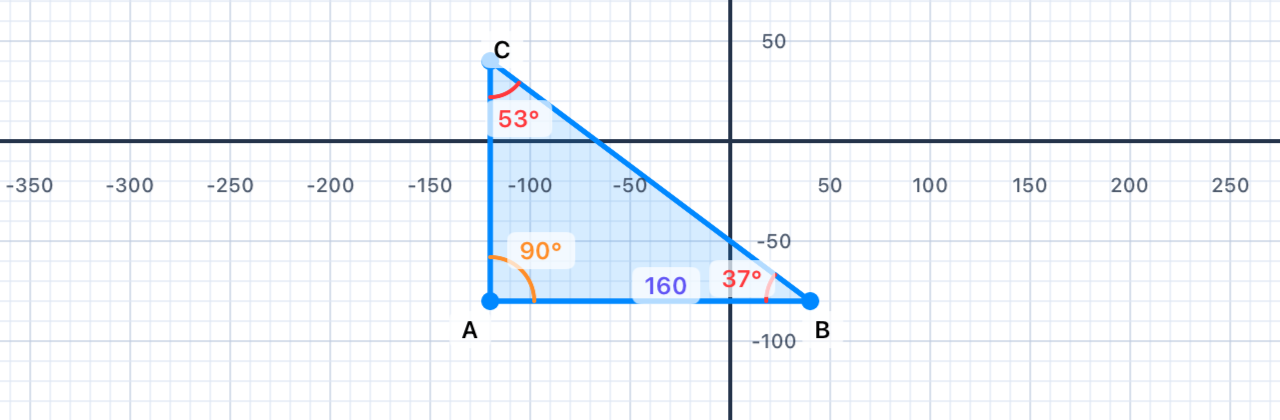
Use if, else, and Boolean logic to sort triangles, quadrilaterals, and angles by their properties. Meet Input() for live, interactive testing.

9 sections2 tutorials7 exercises
Similarity with Functions — Chapter V
Chapter V of VI

Similarity with Functions

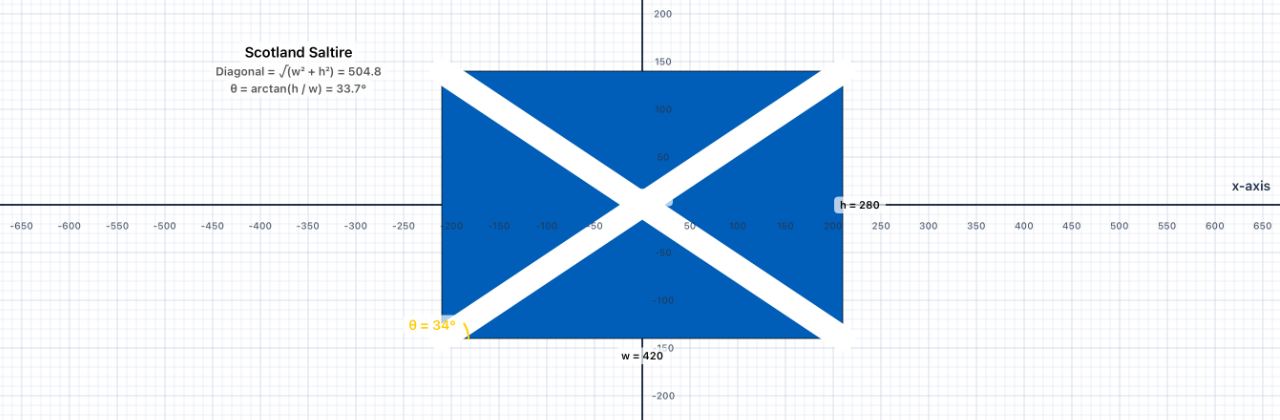
Define reusable functions with parameters, then call them at different scales to draw flags from around the world — exactly what similarity in geometry means.

21 sections2 tutorials19 exercises
Composite Figures in Action — Chapter VI
Chapter VI of VI

Composite Figures in Action

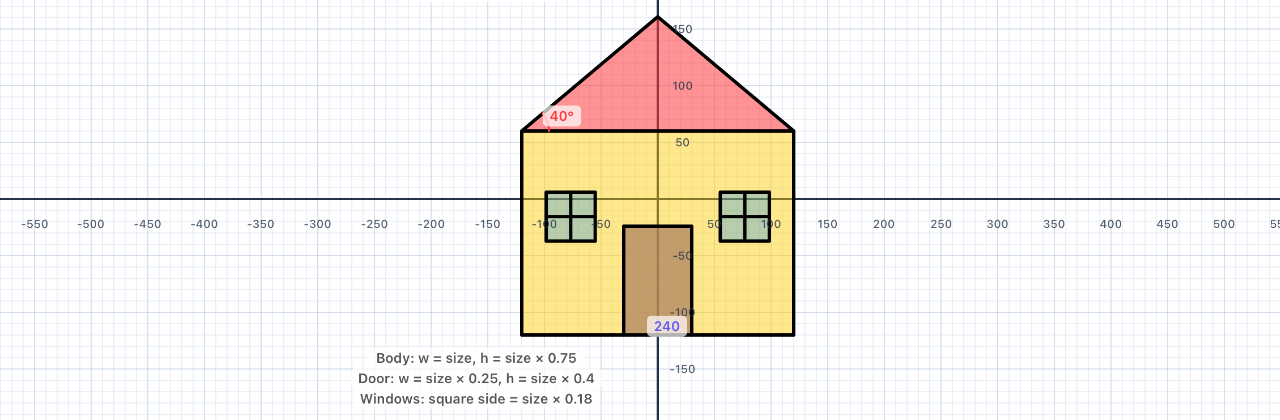
Bring everything together. Combine functions, loops, and conditionals to build a house, a tree, a fence, a car — then compose them into a complete suburban scene.

10 sections1 tutorial9 exercises

About

About the Developer

Daniel Budd

Daniel Budd

Apple Distinguished Educator · Apple Professional Learning Specialist
School-Wide Technology Team Leader, Hong Kong International School

Daniel is an Apple Professional Learning Specialist and Apple Distinguished Educator from Perth, Western Australia. At Hong Kong International School he spearheaded the design and development of an inclusive, modern Computer Science program by integrating it into the NCAS Media Arts Standards.

A strong advocate for the pedagogical integration of technology, Daniel focuses on the transformative potential of STEM education, robotics, and the evolving role of AI in shaping teaching and learning. As a speaker, author, and international educator, he has written extensively on coding, app development, and the impact of emerging technologies on education.

Daniel has delivered keynotes and workshops across Australia, South-East Asia, China, and the USA — inspiring educators worldwide to embrace innovation in their teaching practice.